USFans · English
USFans Warehouse: Intake, Storage and Consolidation
Understand the USFans warehouse stage: intake, stored-item deadlines, visible checks, the shorter return window and how consolidation changes the parcel.
Updated
On this page
Short answer: the warehouse stage begins when an ordered item arrives for intake. Storage, visible checks, return requests and consolidation all happen here, and each has its own clock.
Intake is not the same as delivery
An item marked as sent domestically may still be waiting for warehouse processing. Use the timestamps in the current USFans account for that order, and keep the order and warehouse identifiers separate from any international tracking number.
Do not treat storage as unlimited
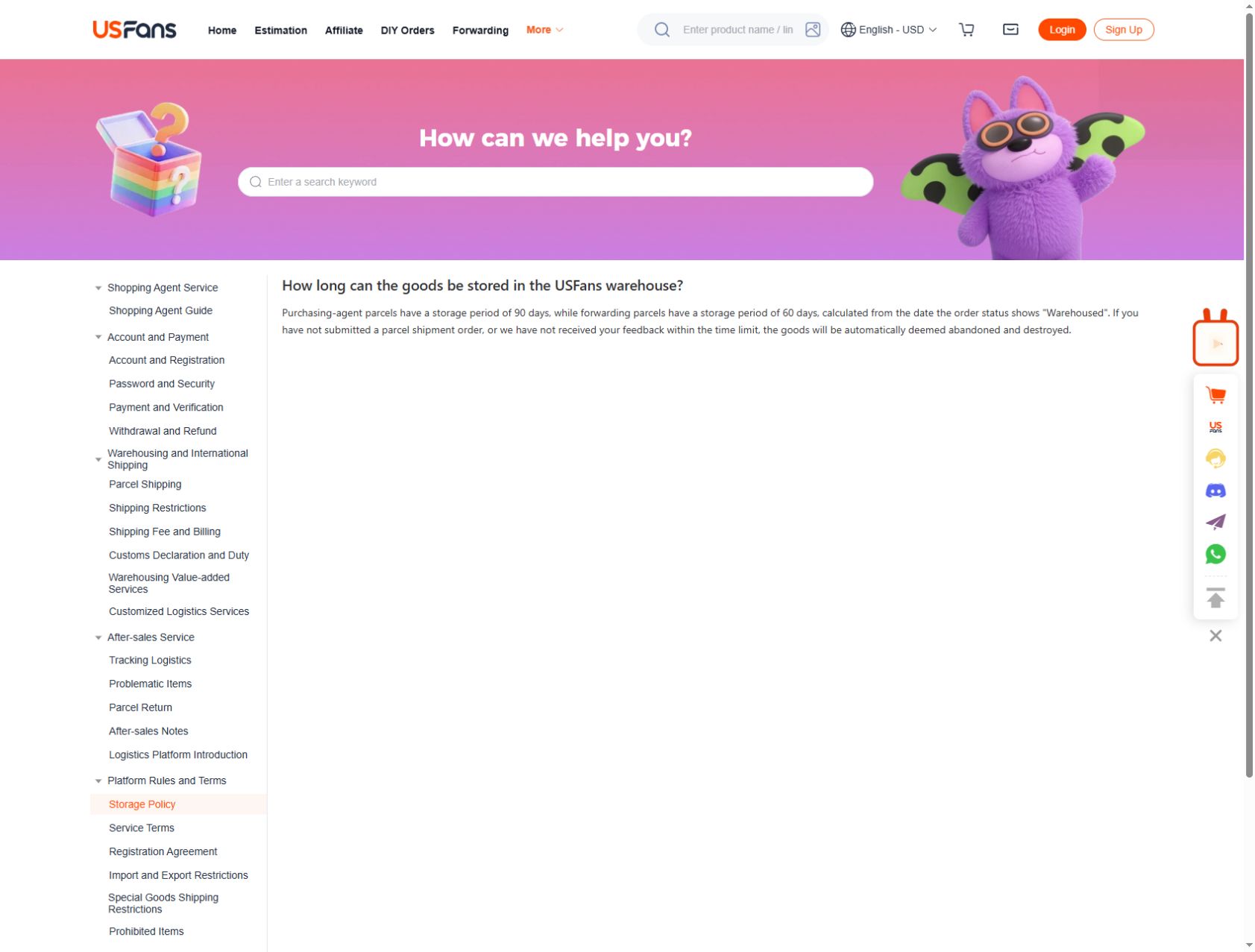
USFans help record HCON_STATIC_071, checked on 4 September 2026, states 90 days for purchasing-agent goods and 60 days for forwarded goods, counted from the Warehoused state. Goods that expire without action may be treated as abandoned and destroyed. Record the intake date for every item in a mixed order and plan from the earliest deadline.
Check the item before packing
Compare the visible images with the selected option: quantity, colour arrangement, size label, major panels, closures and obvious damage. USFans inspection records HCON_STATIC_047 and HCON_STATIC_005, checked on 4 September 2026, describe visible checks and exclude powered-on electronics. A photograph cannot settle material, function or exact fit.
The return window is shorter than the storage window
HCON_STATIC_029, checked on 4 September 2026, describes a five-day or 120-hour request window after intake when the merchant permits a return or exchange. Operation fees and China domestic delivery can still apply after the first qualifying request in a calendar month. Do not wait for a second item to arrive before reporting a visible difference.
Consolidation changes what you pay
Combining items can reduce repeated packaging, but it also changes the measured parcel. After consolidation, use the actual packed weight and three outside dimensions in the shipping estimate, then compare routes with identical inputs. Product-page weights are not a substitute.
A short warehouse checklist
- Note the intake date for each item
- Compare the visible item with the option code
- Save the original photo views before requesting another
- Decide on returns before packing
- Measure the packed parcel, then estimate shipping
Related reading
Continue with the QC photo guide, the returns guide, the shipping guide and the shipping calculator guide.
Primary CTA: Open a product record before ordering
Compare the current product details and available options before adding this item to your shortlist.
View the product on OG Spreadsheet